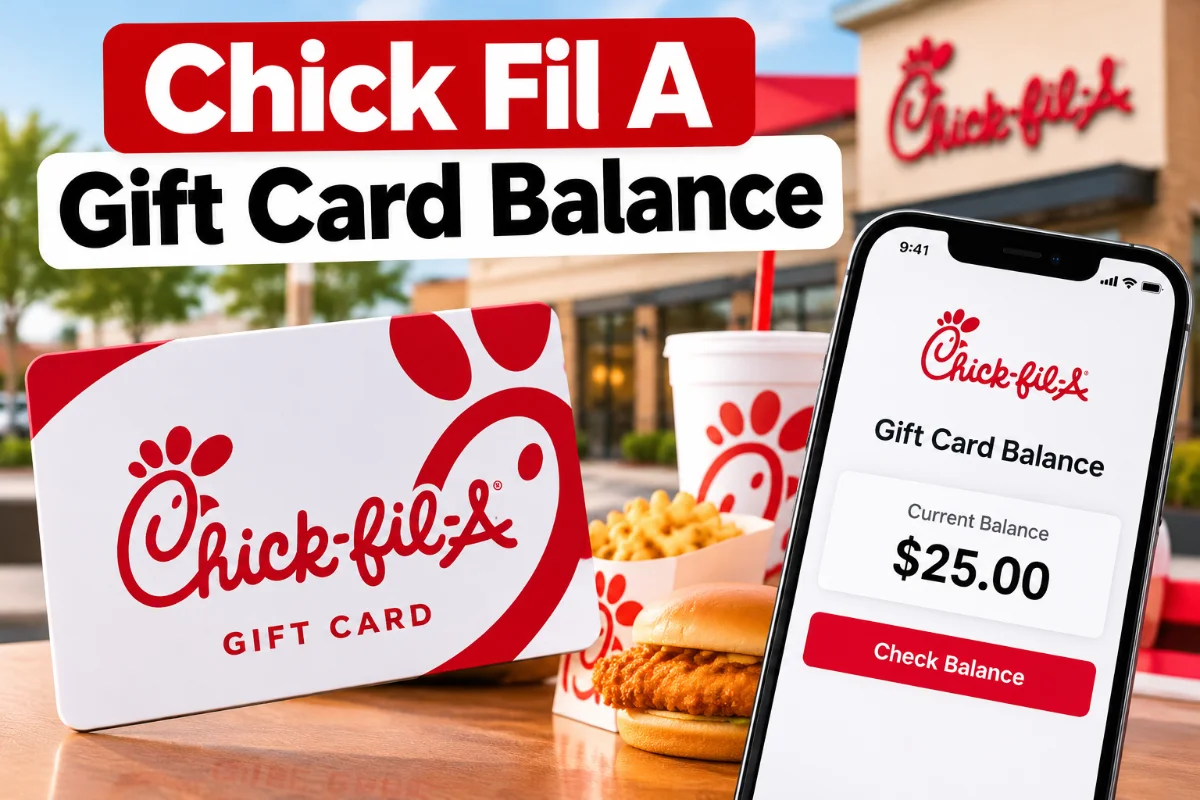
You can check your Chick Fil A gift card balance by calling 1-888-232-1864, visiting a participating Chick-fil-A restaurant, or checking the Chick-fil-A app if your gift card funds have been transferred to your Chick-fil-A One account. In the app, tap Scan to see your digital balance below the QR code. You can also sign in to the official Chick-fil-A website and check your balance under your account’s payment methods.
Whether you’re holding a physical gift card, received an eGift card, or regularly use the Chick-fil-A app, here’s how to find your remaining balance, add funds, and resolve common gift card problems.
How to Check Chick Fil A Gift Card Balance
Chick-fil-A offers different balance-checking options depending on the type of card you own.
| Method | How to Check |
| Phone | Call 1-888-232-1864 |
| Restaurant | Ask a team member at a participating location |
| Mobile app | Tap Scan and check below the QR code |
| Website | Sign in and open Manage payment methods |
| eGift card | Use the automated phone service or visit a participating restaurant |
Important: The app and website display the balance held in your Chick-fil-A One Digital Gift Card. An untransferred physical gift card or eGift card must be checked separately.
For confirmation, visit the official Chick-fil-A gift card balance support page.
How to Check Chick Fil A Gift Card Balance Online
You can check your digital gift card balance through Chick-fil-A’s official website without visiting a restaurant.
Follow these steps:
- Visit www.chick-fil-a.com.
- Sign in to your Chick-fil-A One account.
- Click Account in the upper-right corner.
- Select Payments and Subscriptions.
- Choose Manage payment methods.
- Find your Chick-fil-A One Digital Gift Card balance.
This method works when your funds are already associated with your Chick-fil-A One account.
If you haven’t transferred your physical card or eGift card, you can transfer it through the official app or website using its card number and PIN.
Avoid unfamiliar gift card balance websites. Use Chick-fil-A’s official services to protect your card information.
How to Check Chick Fil A Gift Card Balance by Phone
Calling the automated balance-checking service is one of the easiest options for physical and eGift cards.
Official gift card balance number: 1-888-232-1864
Dial the number and follow the automated instructions. Have your card information available in case the system requests it.
You don’t need to download an app or create a Chick-fil-A One account to use this method.
If you need help with a card issue that the automated system cannot resolve, contact Chick-fil-A CARES at 1-866-232-2040.
Check Chick Fil A Gift Card Balance in the App
The Chick-fil-A app is convenient for customers who prefer ordering ahead or paying digitally.
To see your balance:
- Open the Chick-fil-A app.
- Sign in to your Chick-fil-A One account.
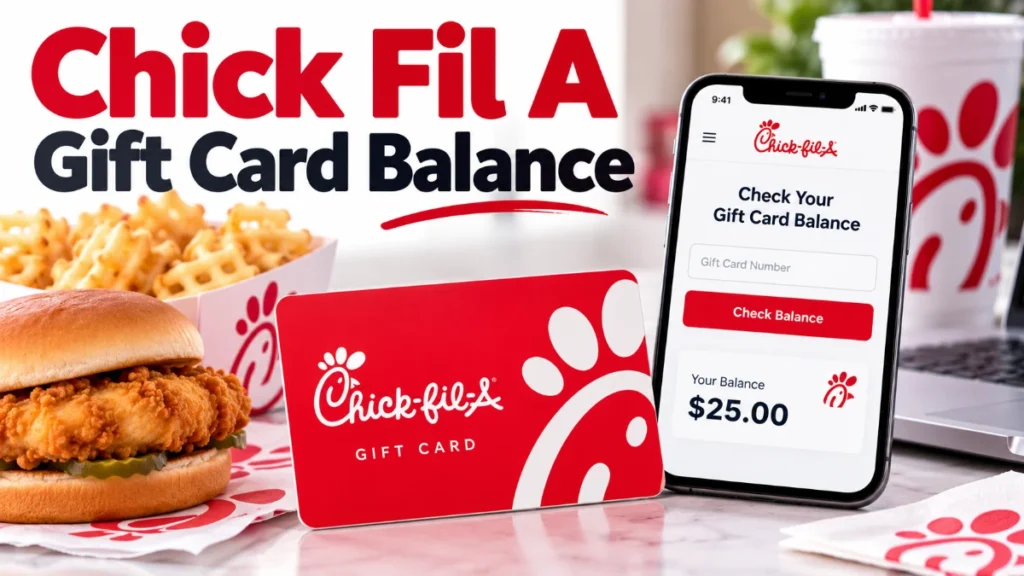
- Tap Scan at the bottom of the home screen.
- Look underneath your account’s QR code.
- Your Chick-fil-A One Digital Gift Card balance will appear there.
For example, if you’ve transferred a $25 gift card and spent $9, your remaining digital balance would be $16.
The app displays funds stored in your digital account, not every physical gift card you own.
How to Transfer a Chick-fil-A Gift Card to the App
If you prefer digital payments, Chick-fil-A allows you to transfer eligible physical gift card and eGift card balances to a Chick-fil-A One Digital Gift Card.
Here’s what to do:
- Open the Chick-fil-A app.
- Tap Scan.
- Select Add Funds below the QR code.
- Choose Transfer a gift card.
- Enter your gift card number and PIN.
- Follow the instructions to complete the transfer.
You can also transfer a gift card through the website by signing in and selecting Account → Payments and Subscriptions → Add Funds → Transfer a gift card.
Once the transfer is completed, the original physical card or eGift card will correctly display a zero balance. Your funds will now be stored in your Chick-fil-A One Digital Gift Card.
Chick-fil-A does not accept unrelated third-party-branded gift cards for transfer into its digital card.
For more details, see the official gift card transfer instructions.
How to Reload a Chick-fil-A Gift Card
Running low on funds doesn’t always mean you need a new gift card.
To reload your Chick-fil-A One Digital Gift Card, open the app, tap Scan, select Add Funds, and choose the amount you want to add.
Physical gift cards purchased directly from Chick-fil-A restaurants may also be reloaded at participating locations.
However, eGift cards and physical cards purchased from third-party retailers cannot be reloaded.
Chick-fil-A’s official gift card terms specify these maximum stored values:
- Physical gift card: $100
- eGift card: $100
- Chick-fil-A One Digital Gift Card: $200
These are maximum card values, not necessarily the amount you must add in a single transaction.
Where Can You Use a Chick-fil-A Gift Card?
Chick-fil-A gift cards can pay for eligible food, beverages, and merchandise at participating restaurants.
You can typically use an accepted physical gift card at a restaurant counter or drive-thru. For mobile ordering, transfer eligible funds to your Chick-fil-A One Digital Gift Card.
However, acceptance differs at certain locations.
Some Chick-fil-A Express restaurants and licensed locations inside airports, hospitals, universities, and office buildings may not accept gift cards.
Regional rules also matter. U.S. physical gift cards and eGift cards can be accepted at participating locations in Puerto Rico, but Chick-fil-A One Digital Gift Cards in the U.S. app cannot be redeemed there. Canadian gift cards have separate restrictions.
Always confirm acceptance before ordering at a licensed location.
Read Also: Chuck Roast: Nutrition Facts, 7 Health Benefits, Risks, and Healthy Cooking Tips
What If Your Gift Card Balance Is Less Than Your Order?
If you’re using your Chick-fil-A One Digital Gift Card for a mobile order, the available balance must cover the order total.
Suppose your card contains $12, but your order costs $15.50. You can add the exact $3.50 difference during checkout.
Select your Chick-fil-A One Card as the payment method, choose the reload option, and follow the instructions for adding the amount needed.
At participating restaurant counters or drive-thrus, you may use your digital balance toward part of a purchase and pay the remaining amount using another payment method.
See Chick-fil-A’s digital card payment instructions.
Why Is My Chick Fil A Gift Card Balance Not Working?
A gift card showing an unexpected balance doesn’t necessarily mean the funds are lost.
The first thing to check is whether you already transferred the card to your Chick-fil-A One account. Once transferred, its original balance becomes zero.
Other possible problems include incorrect card information, activation issues, account sign-in problems, or a temporary technical error.
If the issue continues, contact Chick-fil-A CARES at 1-866-232-2040.
For a lost, stolen, damaged, or inactive physical card, complete the official gift card replacement form.
Replacement is not guaranteed. Chick-fil-A may require a sales or activation receipt and reviews replacement requests individually.
Do Chick-fil-A Gift Cards Expire?
No. Chick-fil-A gift cards, eGift cards, and Chick-fil-A One Digital Gift Cards do not expire.
They also have no inactivity fees or service fees. That means you don’t have to spend the funds immediately to avoid losing money through inactivity charges.
There are still important restrictions. Gift card purchases and reloads are generally nonrefundable, and cards cannot ordinarily be redeemed for cash unless applicable law requires it.
You can read the complete conditions on Chick-fil-A’s official Gift Card Terms and Conditions page.
Frequently Asked Questions
1. Can I check my Chick Fil A gift card balance without an account?
Yes. Call 1-888-232-1864 or ask at a participating Chick-fil-A restaurant. You don’t need a Chick-fil-A One account to check an untransferred physical gift card or eGift card.
2. Can I check my Chick-fil-A gift card balance online with the card number?
You can transfer an eligible card to your Chick-fil-A One account using its number and PIN, then view the digital balance online. For an untransferred physical or eGift card, Chick-fil-A directs customers to its automated phone system or participating restaurants.
3. Why does my Chick-fil-A gift card show a $0 balance?
A zero balance may mean you spent the funds or transferred them to your Chick-fil-A One Digital Gift Card. Sign in to the app and check your digital balance before contacting support.
4. Can I use a Chick-fil-A gift card for mobile orders?
Yes. Transfer an eligible physical or eGift card to your Chick-fil-A One Digital Gift Card. You can then use those funds for eligible mobile orders at participating restaurants.
5. Can I get a refund for my Chick-fil-A gift card?
Chick-fil-A gift card purchases and reloads are generally final and nonrefundable. Cash redemption is available only where required by applicable law.
Final Thoughts
Checking your Chick Fil A gift card balance is simple once you know where your funds are stored. For a physical gift card or eGift card, call 1-888-232-1864 or visit a participating Chick-fil-A restaurant. For funds transferred to your Chick-fil-A One account, use the app or official website.
Keep your card number and PIN secure, retain your receipt, and use official support channels if your balance appears incorrect. Since Chick-fil-A gift cards don’t expire or charge inactivity fees, you can save your remaining balance for your next eligible purchase.